 Google Drive
 OneDrive
Below we show how to add whitespace padding to PDF documents online.
Upload свои файлы
Файлы безопасно upload через зашифрованное соединение. Файлы в безопасности. После обработки они удаляются навсегда.
Не хочешь upload файлы и предпочитаешь работать оффлайн?
Try Sejda Desktop. Те же фичи, что и в онлайн-сервисе, и файлы никогда не покидают компьютер.
Нажми 'Upload' и выбери файлы на своем компьютере.
Drag-and-drop файлов на страницу тоже работает.
Файлы из Dropbox или Google Drive
Ты можешь выбрать PDF-файлы из Dropbox или Google Drive.
Разверни список 'Upload' и выбери свои файлы.
Step 2: Margin size
Type a value for the page size, in inch. Use the up/down arrows to change.
The page preview will update, showing the margin added to the PDF pages.
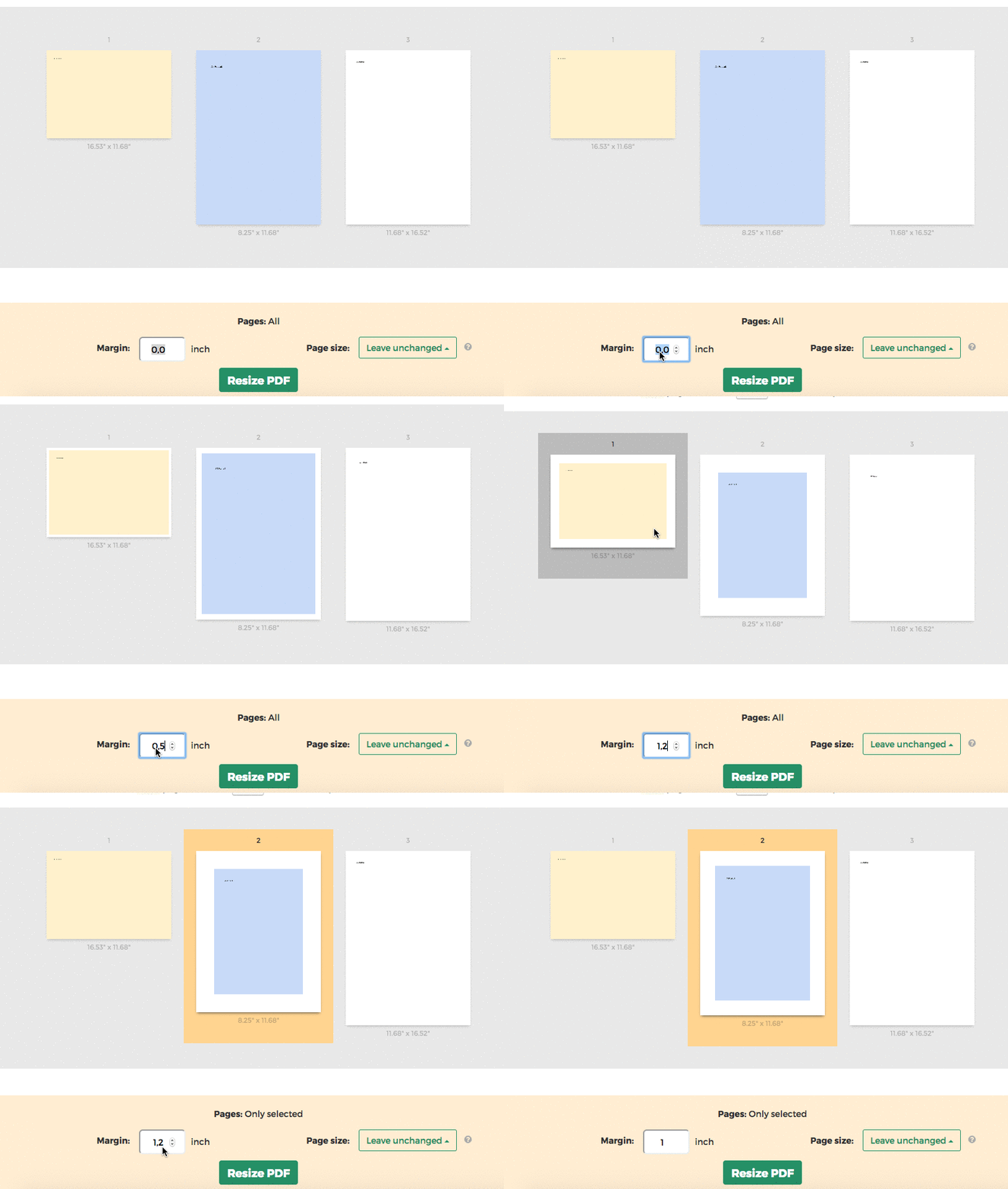
Tip: Apply to all pages in the document or just a few
You can specify only few pages that need the margin. Click on the page thumbnails to select them.