 Google Drive
 OneDrive
Below we show how to add whitespace padding to PDF documents online.
अपनी फ़ाइलें Upload करें
फ़ाइलें सुरक्षित रूप से एन्क्रिप्टेड कनेक्शन पर Upload होती हैं. फ़ाइलें सुरक्षित रहती हैं. प्रोसेसिंग के बाद, वे हमेशा के लिए डिलीट हो जाती हैं.
क्या आप फ़ाइलें Upload किए बिना ऑफलाइन काम करना चाहते हैं?
Try Sejda Desktop. ऑनलाइन सर्विस जैसे ही फीचर्स, और फ़ाइलें कंप्यूटर से बाहर नहीं जातीं.
'Upload' पर क्लिक करें और अपने कंप्यूटर से फ़ाइलें चुनें.
फ़ाइलें ड्रैग और ड्रॉप करना भी काम करता है.
Dropbox या Google Drive फ़ाइलें
आप Dropbox या Google Drive से भी PDF चुन सकते हैं.
'Upload' ड्रॉपडाउन खोलें और अपनी फ़ाइलें चुनें.
Step 2: Margin size
Type a value for the page size, in inch. Use the up/down arrows to change.
The page preview will update, showing the margin added to the PDF pages.
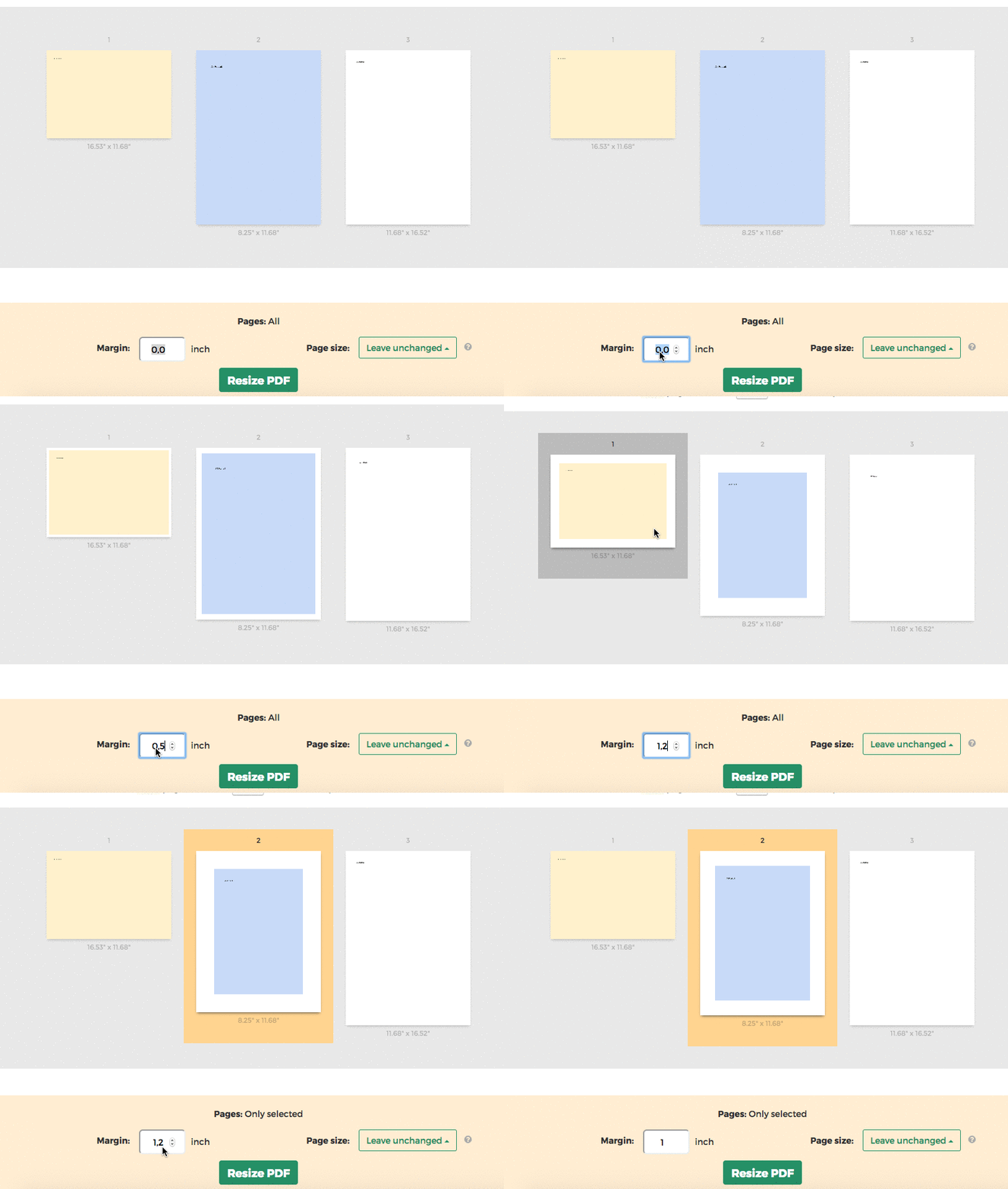
Tip: Apply to all pages in the document or just a few
You can specify only few pages that need the margin. Click on the page thumbnails to select them.