 Google Drive
 OneDrive
Neeche dekhiye PDFs ko multiple files mein kaise baantein.
-
अपनी फ़ाइलें Upload करें
फ़ाइलें सुरक्षित रूप से एन्क्रिप्टेड कनेक्शन पर Upload होती हैं. फ़ाइलें सुरक्षित रहती हैं. प्रोसेसिंग के बाद, वे हमेशा के लिए डिलीट हो जाती हैं.
क्या आप फ़ाइलें Upload किए बिना ऑफलाइन काम करना चाहते हैं?
Try Sejda Desktop. ऑनलाइन सर्विस जैसे ही फीचर्स, और फ़ाइलें कंप्यूटर से बाहर नहीं जातीं.'Upload' पर क्लिक करें और अपने कंप्यूटर से फ़ाइलें चुनें.
फ़ाइलें ड्रैग और ड्रॉप करना भी काम करता है.
Dropbox या Google Drive फ़ाइलें
आप Dropbox या Google Drive से भी PDF चुन सकते हैं.
'Upload' ड्रॉपडाउन खोलें और अपनी फ़ाइलें चुनें.
-
How to save multipage PDF into separate pages
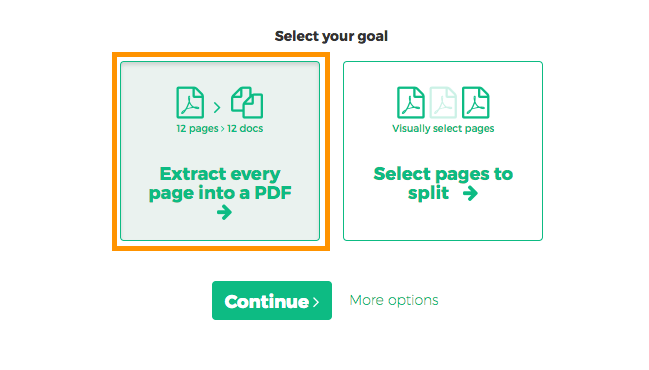
Want to split every PDF page to a separate document? Select 'Extract every page into a PDF'.
![]()
-
How to extract every 2 pages from PDF
Want to extract every two pages into a new PDF? An example would be an original 12 pages document being split into 6 smaller documents, having 2 pages each. First document has pages 1 and 2, next one has pages 3 and 4 and so on.
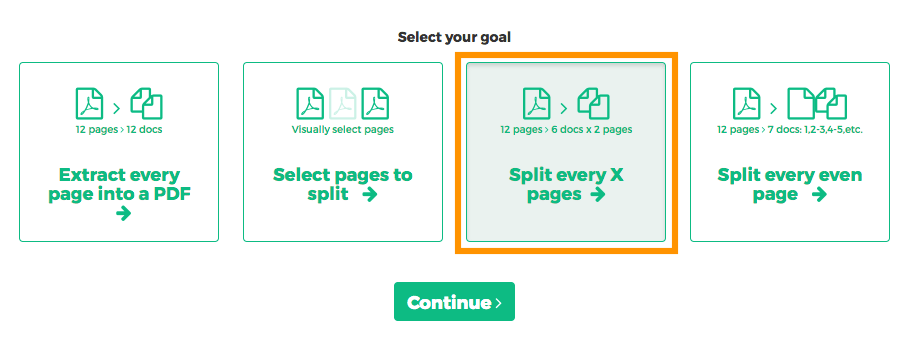
Click 'More options', then select 'Split every X pages'.
![]()
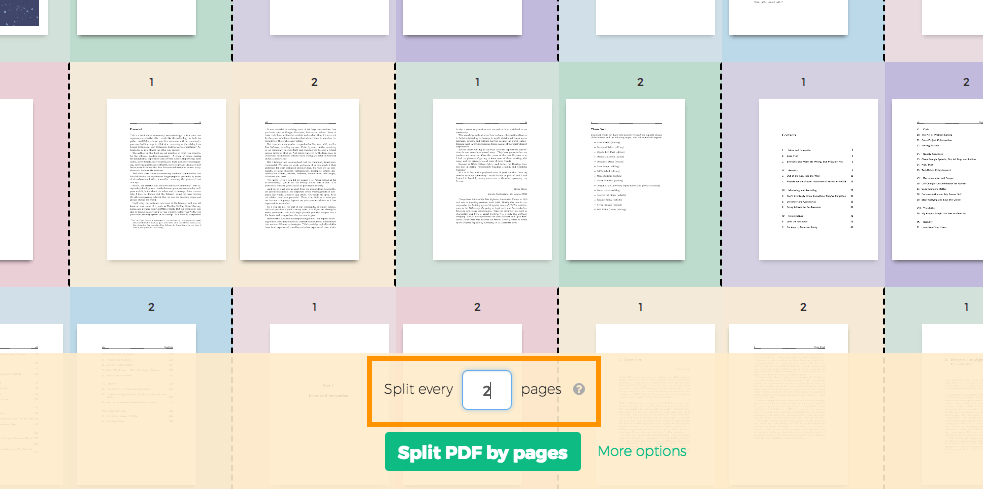
In the next screen, displaying all pages, type '2' into the number of pages field.
![]()
-
How to split PDF by every X page
Let's say you have a 12 pages document and you'd like to split it into 3 documents, each containing 4 pages from the original. Here's how to do it.
Click 'More options', then select 'Split every X pages'.
![]()
In the next screen you can set the number of pages the resulting documents should contain.
![]()
-
How to visually select PDF pages to split at
You want to split the document at certain pages. For example a 12 pages document needs to be split in two, first part should have first 3 pages and the second part the remaining 9 pages.
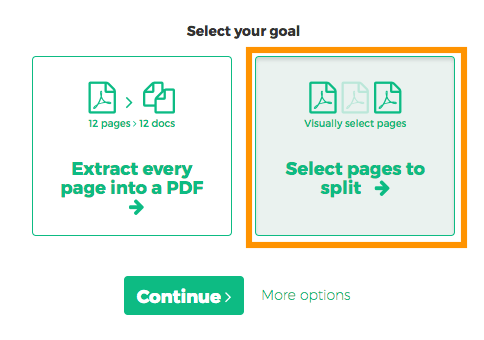
Choose 'Select pages to split'. The next screen should display all pages in the document.
![]()
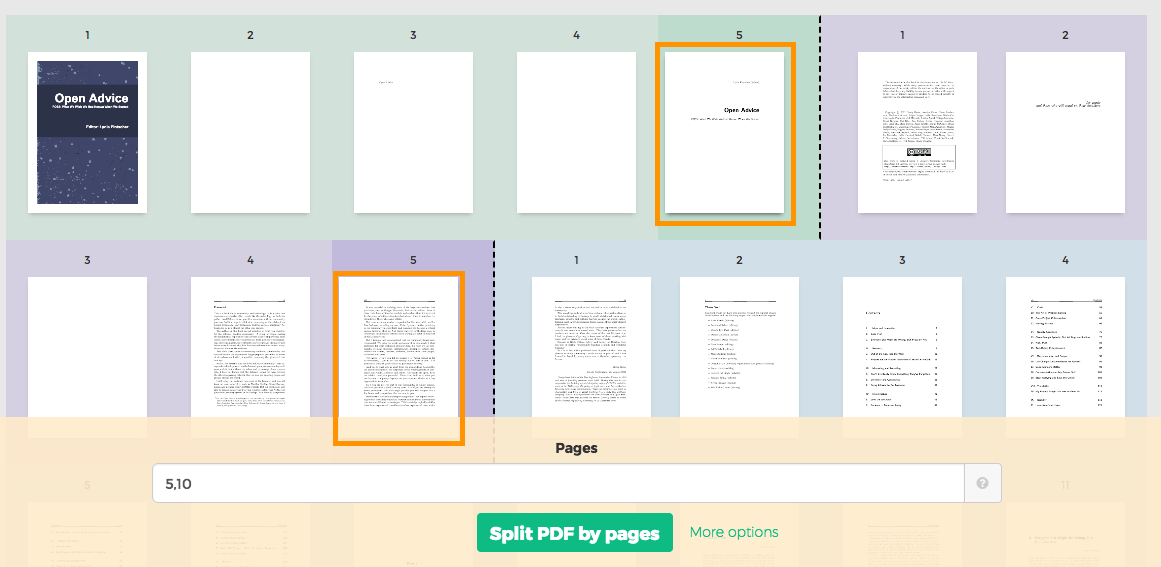
Click on pages. You should see a color coded visual preview of how the document will be divided.
Example: Click on page 4 and page 10 if you want to split the document in 3 parts: first containing pages 1-4, second containing pages 5-10 and last pages 11 to the end.
![]()
Wrong selection? Just click the same page again to undo. There's also a 'Reset selection' button in the top part of the page to start over.