 Google Drive
 OneDrive
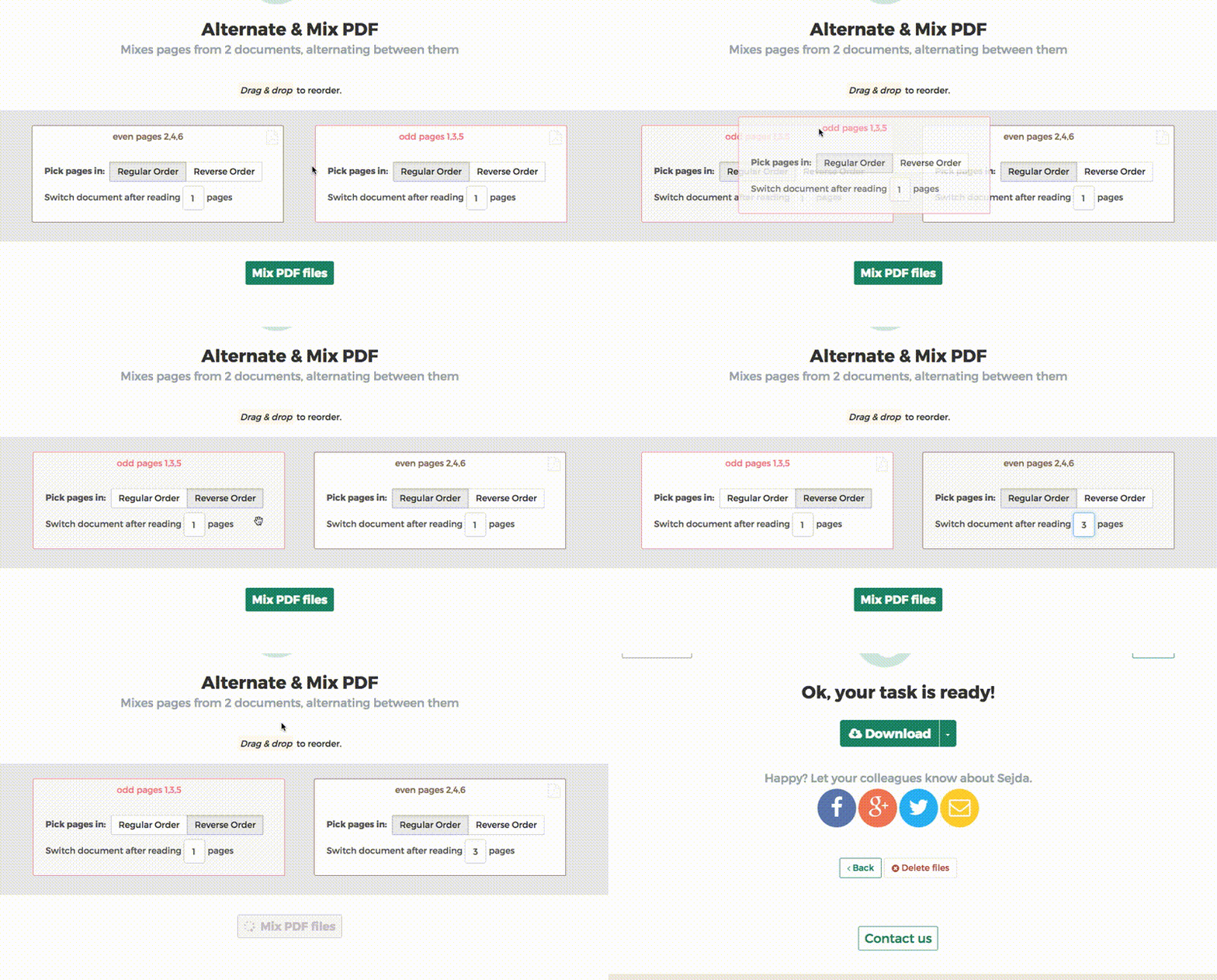
Below we show how to combine an even pages file and an odd pages file into one PDF, achieving proper order.
Upload свои файлы
Файлы безопасно upload через зашифрованное соединение. Файлы в безопасности. После обработки они удаляются навсегда.
Не хочешь upload файлы и предпочитаешь работать оффлайн?
Try Sejda Desktop. Те же фичи, что и в онлайн-сервисе, и файлы никогда не покидают компьютер.
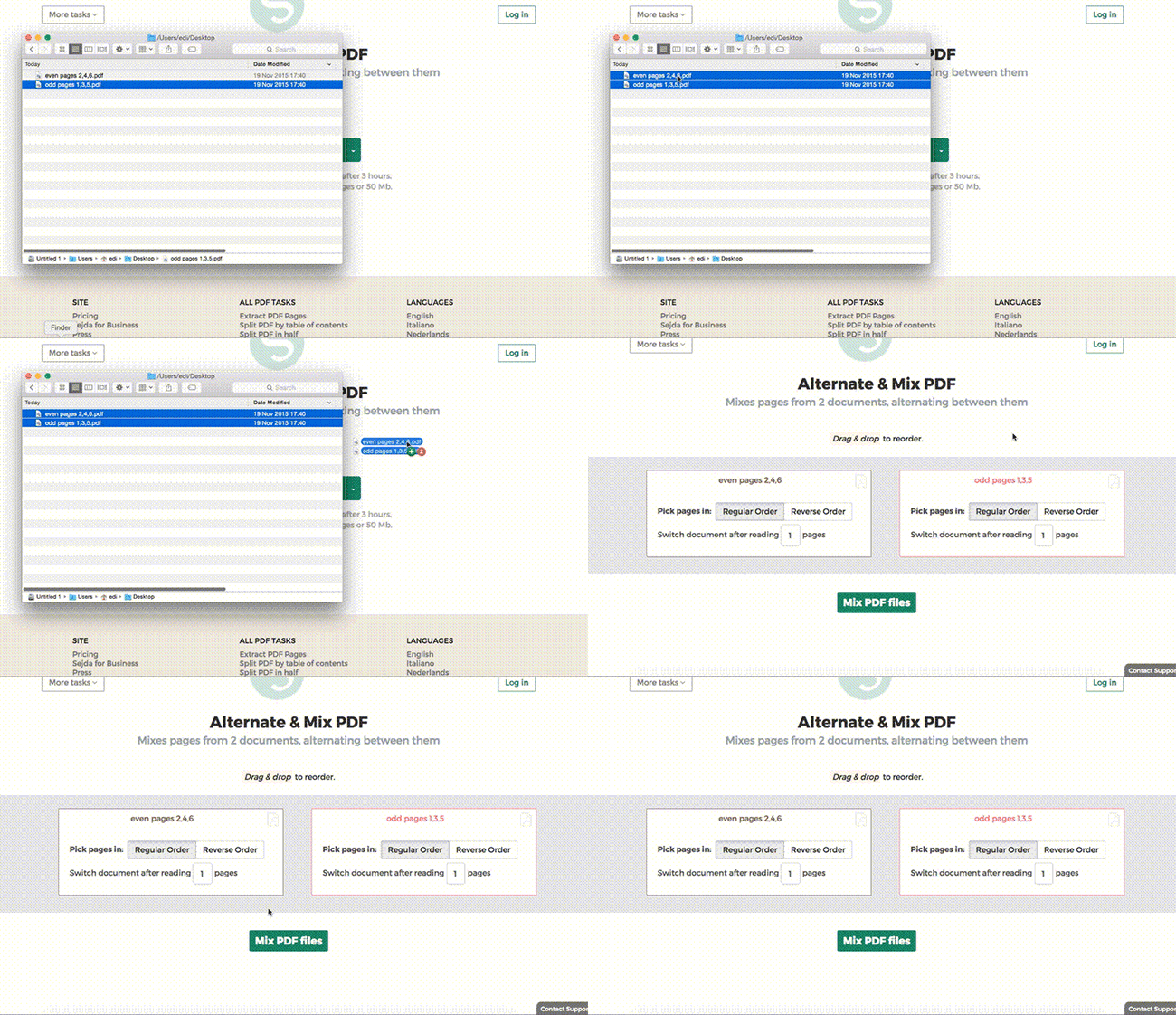
Нажми 'Upload' и выбери файлы на своем компьютере.
Drag-and-drop файлов на страницу тоже работает.
Файлы из Dropbox или Google Drive
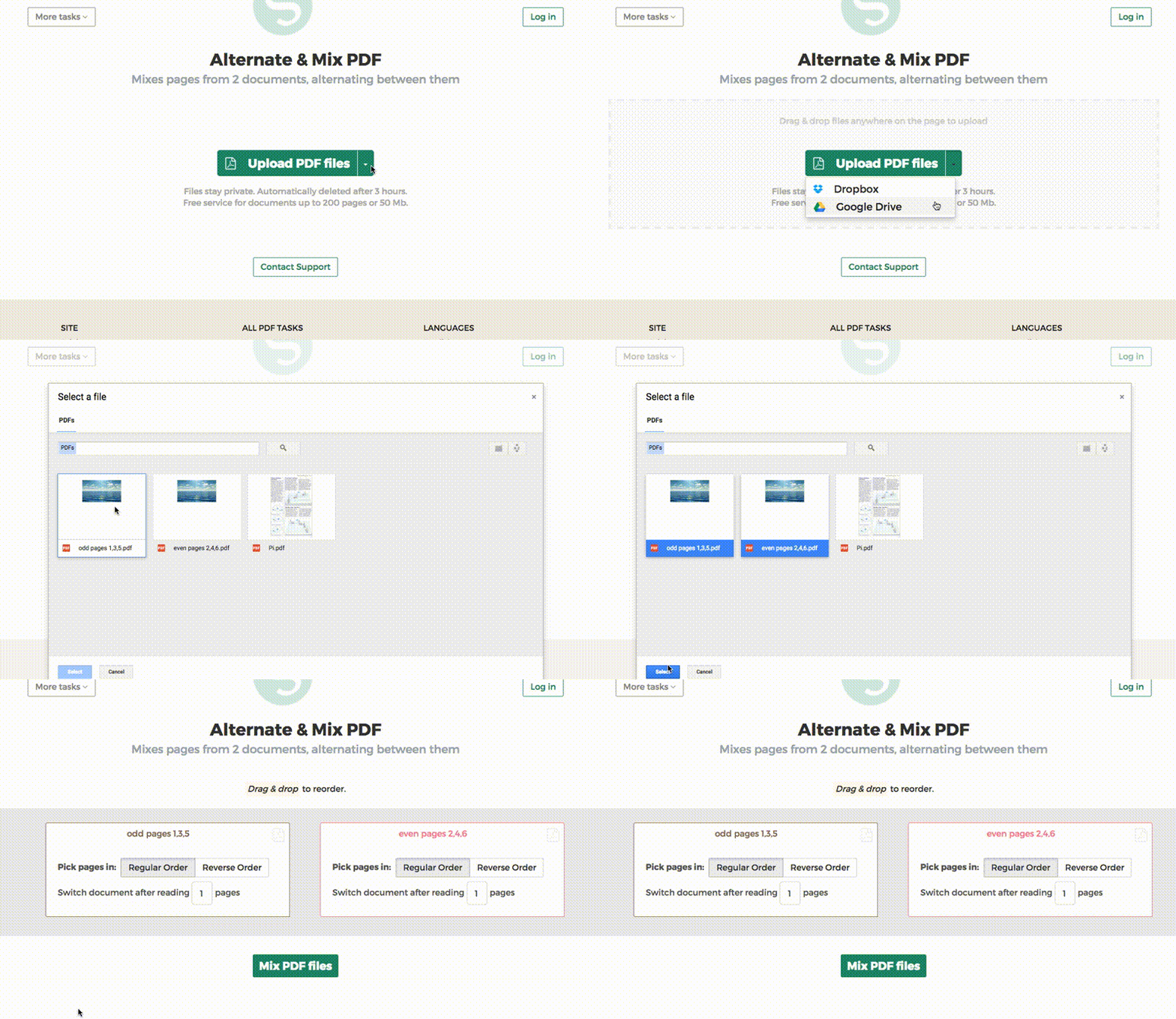
Ты можешь выбрать PDF-файлы из Dropbox или Google Drive.
Разверни список 'Upload' и выбери свои файлы.
Step 2: Ordering pages
Most common scenario is having two sets of files, even pages PDF and odd pages PDF, from an auto feed scanner. To combine them, just click the Alternate & Mix button.
In case the files were not uploaded in the right order, drag and drop to switch them. The odd pages PDF file is should be on the left and even pages PDF file on the right.
Tip: Collate reversed even pages
If the even pages were scanned in reversed order (10, 8, 6, 4, 2, etc) you should select the "Pick pages in: Reverse Order" option. The result will have the pages in proper order: 1, 2, 3, 4, etc.
Tip: Alternating using different step
By default 1 page is picked from each document, when alternating. Need to alternate using a different step?
For example: pages from left.pdf should be inserted between every 3 pages from right.pdf. In this case, change the "Switch document after reading" value to 3 for the right file.